
Appearance
Checking which Actions FlowService is executing
You can check the Actions that are scheduled to execute under FlowService by using the FlowMonitor application.
Right click the
FlowMonitoricon in your task tray.Check the desired instance of FlowService is selected by reviewing the name displayed in the
HostandServicemenu items. If not select the instance of FlowService that you wish to start by using the above steps.Click
View Actionsto open theFlowService Operationswindow.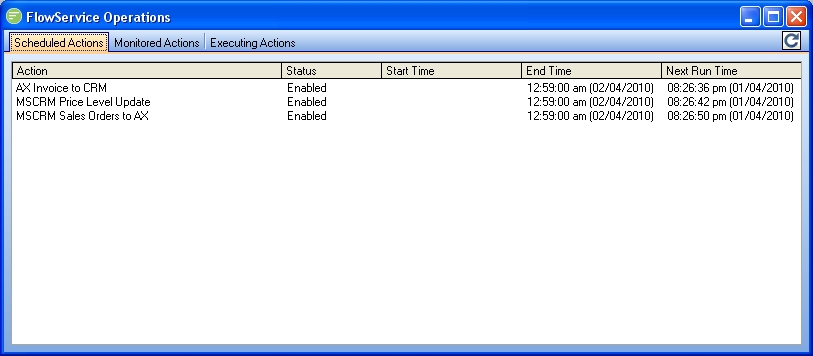
Click the
Scheduled Actionstab to see all Actions that are set to execute at scheduled intervals. See Changing Schedules for information on changing the display schedules.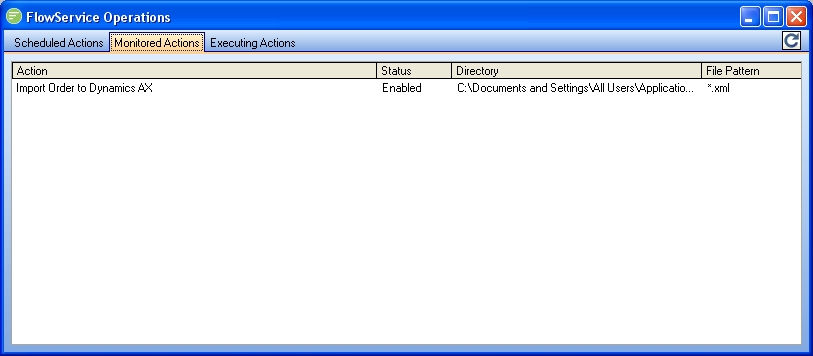
Click
Monitored Actionstab to see all Actions that are set to monitor for the arrival of a file. The folder path and expected file pattern are displayed. See Changing Schedules for information on changing the displayed monitor Actions.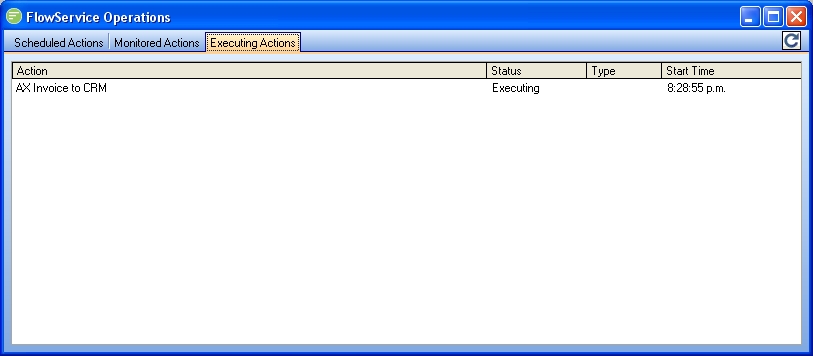
Click
Executing Actionstab to see all Actions that are currently executing (or have been triggered but are awaiting execution). The time the Action was triggered is displayed.
TIP
Click the Refresh Button

on any of the tabs to refresh the display immediately. The display will refresh automatically every 10 seconds