

Appearance
New File Definition Item
Selecting File Definition creates a New File Definition Item under the Data Tab.
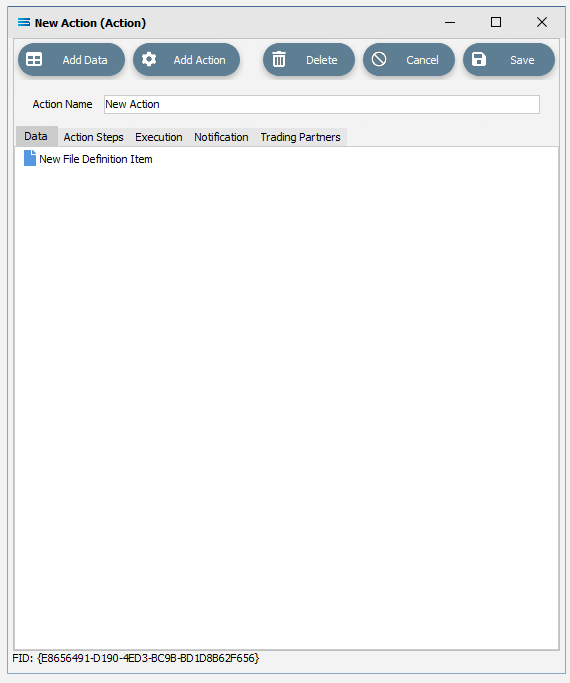
Click on the item to access the fields.
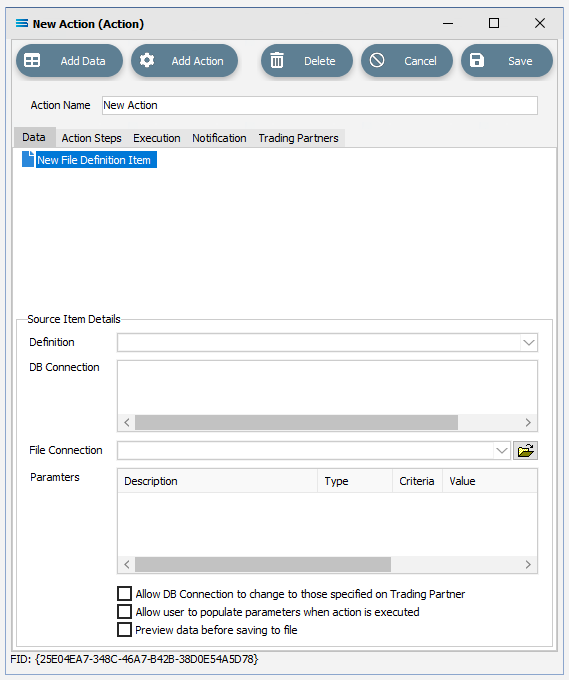
Fields
| Field Name | Description |
|---|---|
| Definition | Select the Data Definition you want to reference. |
| DB Connection | Select the DB Connection used on this Data Definition. This is a run time setting and overrides the design time setting done on the Data Definition. |
| File Connection | Select the File Connection used on this File Definition. This is a run time setting and overrides the design time setting done on the File Definition. |
| Parameters | Select any available Parameter to reference. |
| Allow DB Connection to change to those specified on trading partner | Select to allow the DB Connection to change to those configured on any Trading Partner assigned to this Action. Useful when working with a configuration where different Trading Partners have their own databases. |
| Allow user to populate parameters when action is executed | Select to have the Dynamic Search Parameters pop-up at run time so they user can provide values specific to that execution of the Action. This is only allowed if the Action has been configured to run manually. |
| Preview data before saving to file | Select to have the results of a mapping displayed in a grid editor prior to be saved to the output. This allows you to manually modify the results prior to output. This is only allowed if the Action has been configured to run manually. |