

Appearance
Parameters Tab - HTTP Connections
Options to be completed.
Enter the details for each Parameter to be included.
You are not able to tab between the columns - you must use the cursor to move across.
Values for any Parameters specified here may include tag references, which will be resolved at the time that they are applied.
If the processed value of a Parameter is empty, and that Parameter is identified as being optional, then that Parameter will not be included.
WARNING
HTTP Connection Parameters (and headers) are applied first, followed by any Parameters (or headers) specified in script on the HTTP object directly.
Scripted header/parameter values therefore override and overwrite any values specified on the HTTP Connection object.
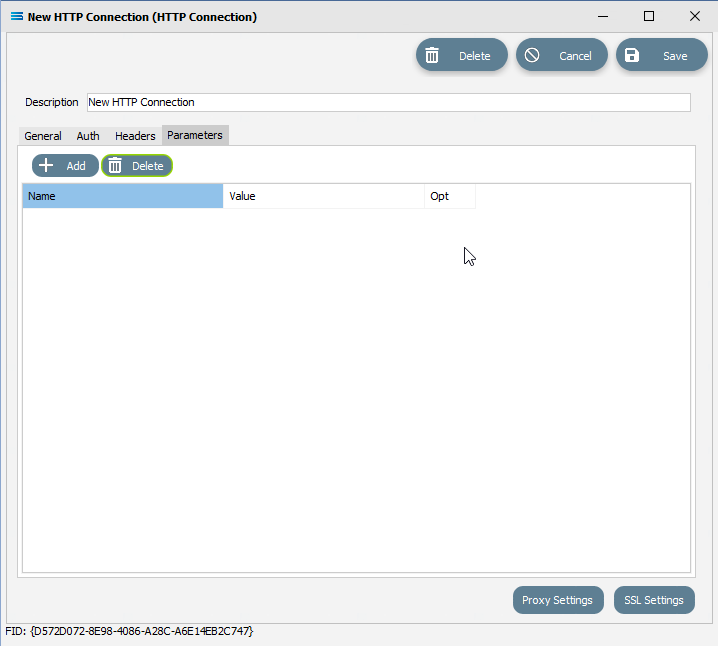
Fields
| Field Name | Description |
|---|---|
| Name | The Parameter name. |
| Value | The value/content of the Parameter. |
| Opt | Whether the Parameter is optional. Accepts a Y for yes, or N for no. |
Buttons
| Field Name | Description |
|---|---|
| Add | Click to Add a Parameter. |
| Delete | Click to Delete a Parameter. |