
Appearance
Wait for File Action
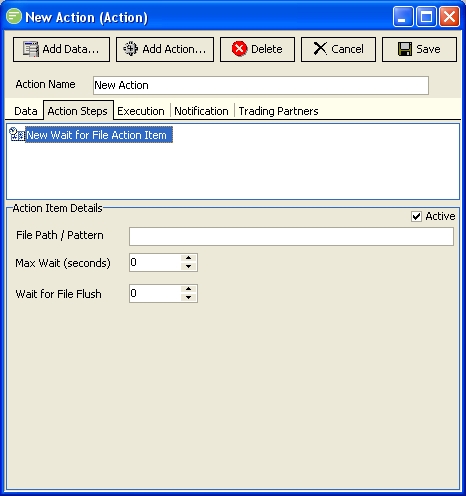
Fields
| Field Name | Description |
|---|---|
| Active | Select to make this step active. You can skip this step by deactivating it |
| File Path / Pattern | Enter the file path and pattern that matches the file you are expecting to receive |
| Max Wait | Enter the maximum time in seconds to wait for the file to arrive prior to continuing with the next Action step. Enter 0 to wait an indefinite amount of time |
| Wait for File Flush | Enter the time in seconds to wait for the file to flush once it has been detected. When the file is detected the Action step will wait this long before continuing with the next Action Step. This allows the external process enough time to finish writing / copying the file. |