
Appearance
FlowMonitorService
FlowMonitorService is a Windows NT service application. If you need to reinstall or relocate to another machine you will need to register the application with the Windows Services Control Panel
By default FlowMonitorService will execute under the Local System user. You may want to change this to another user account, however this is generally not necessary as this application only requires interaction with local services.
Installing FlowMonitorService
Select
Start > Runto open a command promptEnter the command
"c:\program files\flow software\flowmonitors.exe" -install(note: double quotes are required around the path if there are spaces in the path). ClickOK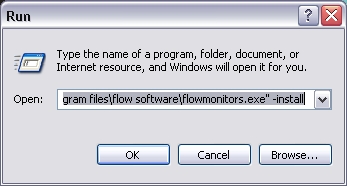
Click
OKto the success message. If errors occur check the Flow Knowledge Base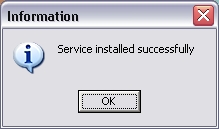
You can now see the service within the Service Control Panel called FlowMonitorService
Uninstalling FlowMonitorService
Select
Start > Runto open a command promptEnter the command
"c:\program files\flow software\flowmonitors.exe" -uninstall(note: double quotes are required around the path if there are spaces in the path). ClickOK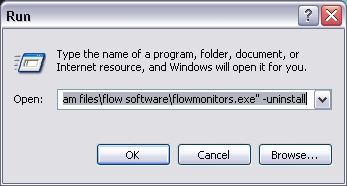
Click
OKto the success message. If errors occur check the Flow Knowledge Base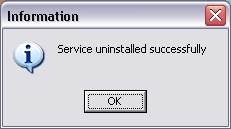
FlowMonitorService will no longer be present in the Service Control Panel.
For other configuration please refer to Services Control Panel