
Appearance
Folders
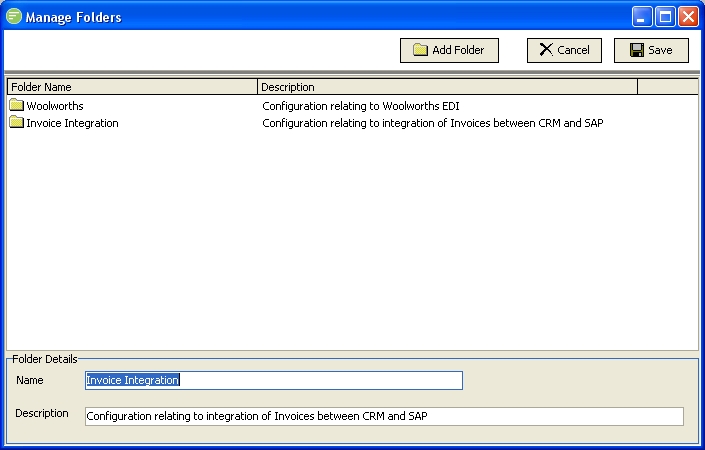
Folders allow you to group your configuration to make it easier to work with. Once a folder is defined it will appear in the tree menu of Flow Designer under each group. You can drag and drop your Modules into the folder as desired.
If you delete a folder that contains Modules, those Modules will have their folder unassigned and therefore display in the root of their tree node.
Fields
| Field Name | Description |
|---|---|
| Folder List | A list of folders already defined. Single click to display the edit pane in the bottom half of the window. Double click to delete the folder. |
| Name | Enter the name of the folder as it will display in the Flow Designer tree menu |
| Description | Enter a description of the purpose of the folder. This is for reference only. |
Buttons
| Button Name | Description |
|---|---|
| Save | Click to save any changes you have made. All changes will be lost if you do not click the Save button. Even deleted folders will not stay deleted if you do not click Save. |
| Cancel | Click to cancel any changes you have made |
| Add Folder | Click to create a new Folder. |