
Appearance
Installation
The Flow install program (flow_setup.exe) was distributed from the Flow FTP server, which is no longer available.
TIP
SQL Server Express 2005 is installed as part of Flow. You can disable the installation of SQL Server Express 2005 on the options screen. If you do so you will need to setup your configuration database manually.
WARNING
Refer to Planning the installation for important considerations regarding the installation of Flow
Double click flow_setup.exe and click
Next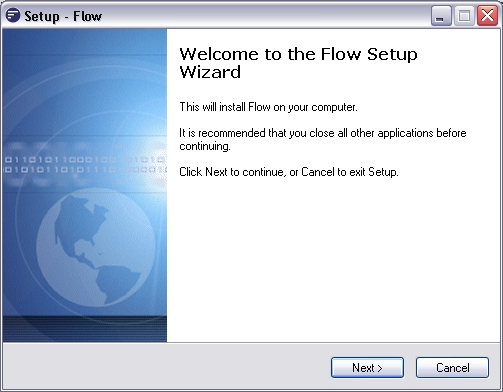
Read and accept the EULA agreement and click
NextRead the important information and click
NextSelect the location to install to. It is highly recommended to use the default for easier support. Click
NextEnter the optional SMTP server and email address. You can change these details later within General Setup. Click
Next(setup will try to find existing flow databases - this may take a few moments)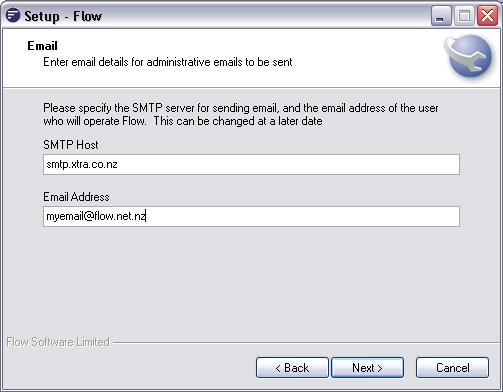
If existing Flow configuration databases are found on your computer you will be presented with the following screen. Select to either retain the existing database or overwrite with new configuration. Click
Next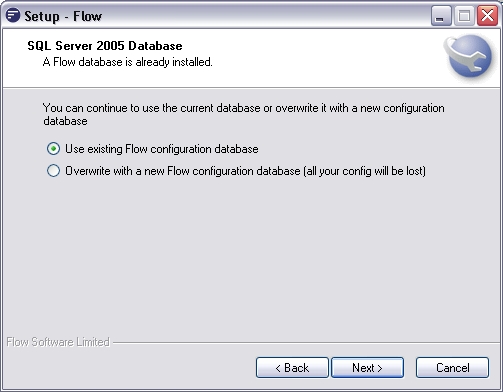
Review the information and click Next
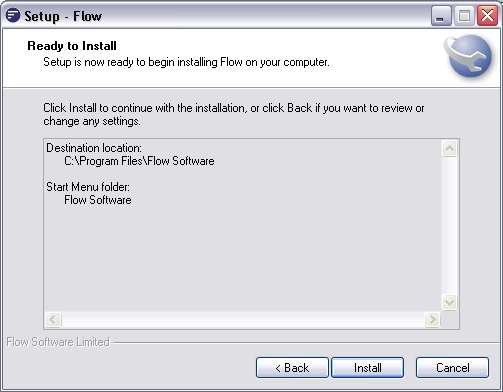
The software may download extra components. Once finished the install will continue.
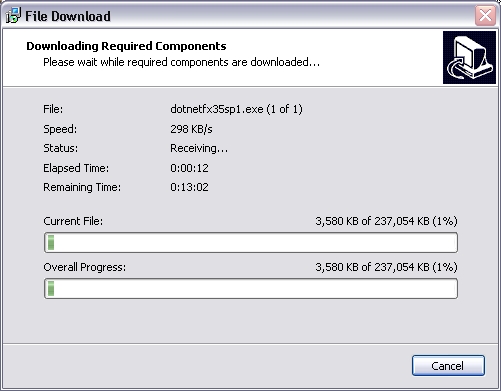
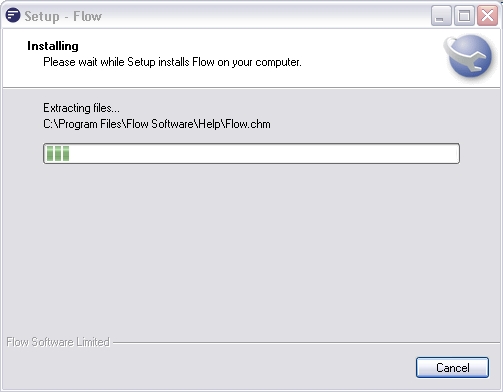
Installation will begin. This will take a few moments and Flow will be installed along with any additional components. You may see other installation programs open in front of the Flow setup window.
Click
Finish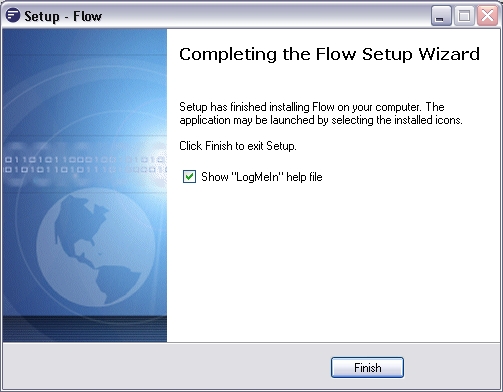
You should restart your computer if prompted before continuing to use Flow