
Appearance
Flow Designer
Flow Designer is the application used to configure your Flow system.
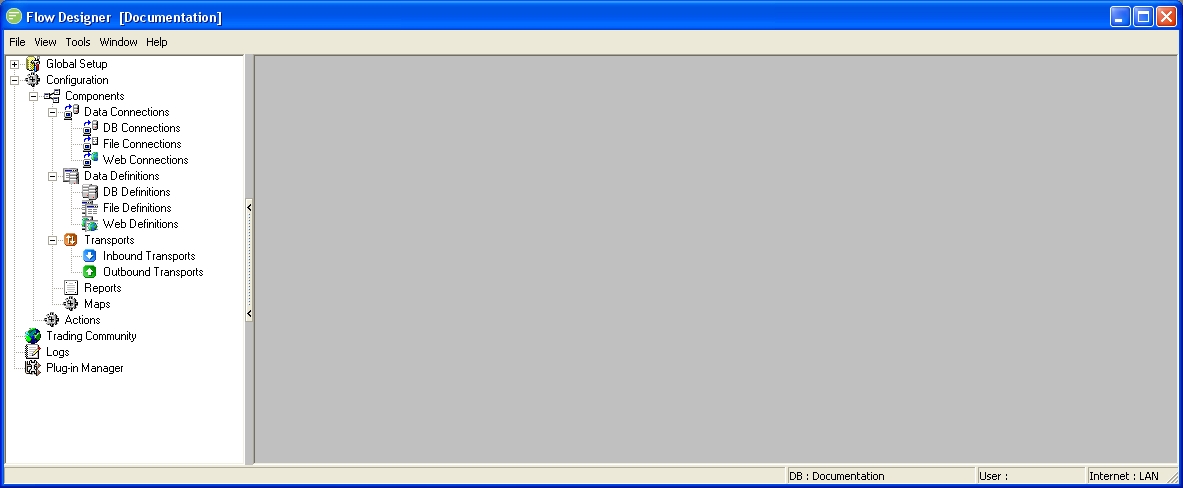
Main Menu
The Main Menu is the text menu that runs across the top of Flow Designer. Individual menu items will be referred to as File Menu, View Menu, Tools Menu, Window Menu or Help Menu .

Tree Menu
The Tree Menu is the navigator displayed down the left hand side of Flow Designer. This is used to manage the modules that make up your Flow configuration. When navigating the Tree Menu you only need to single click on an entry to activate it. The Tree Menu can be resized by dragging the right hand boundary or hidden by clicking it's central hotspot.
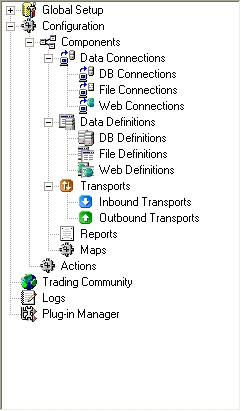
Main Area
The main area is the grey background area of Flow Designer. When the guide asks you to return to the main area it means to close back out of the module you are working on to return to this area. Special status information will show in this area as red text such as when Trace Mode is active.
Status Bar
The Status Bar is the bar running along the bottom of the Flow Designer window. This shows basic information such as the configuration database you are connected to, and the status of your Internet connection from this computer.
