
Appearance
Services
A Service is a pointer to a published FlowServer instance. Creating a Service will publish the instance of FlowService.
Create a Service
Open the Flow Designer
Navigate to
Global Setup > ServicesRight click
Servicesand selectNew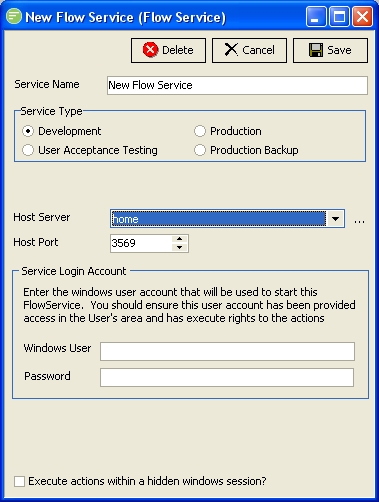
Fill in the details and click
Save. See Service
Edit a Service
TIP
A single left click on the Service will also open the edit window
- Open the Flow Designer
- Navigate to
Global Setup > Services - Right click the desired
Serviceand selectEdit - Change the details as required and click
Save. See Service
Delete a Service
Open the Flow Designer
Navigate to
Global Setup > ServicesRight click the desired
Serviceand selectDelete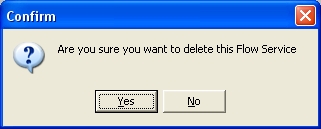
Click
Yesto confirm your choice
Copy a DB Connection
- Open the Flow Designer
- Navigate to
Global Setup > Services - Right click the desired
Serviceand selectCopy - The copy of the Service will display in the edit window. Change the details as required and click
Save. See Service
Change Security on Service
- Open the Flow Designer
- Navigate to
Global Setup > Services - Right click the desired
Serviceand selectSecurity - Change the details as required and click
Save. See Managing Security
Refresh list of Services
- Open the Flow Designer
- Navigate to
Global Setup > Services - Right click
Servicesand selectRefresh